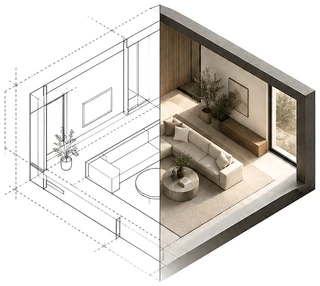
How to see your custom home before it's built
Most of the big decisions on a custom home get made on paper: window sizes, ceiling heights, the size of the island, every cabinet and tile. Here's how to see the house before those decisions are locked in.
Aden Ennis · October 25, 2026 · 6 min read
Why a floor plan is hard to picture
A floor plan shows walls, doors and dimensions from above. It doesn't show how tall a room feels, where the light comes from, or how the cabinets, counters and floor look together. Elevations help with the outside, but most people still can't turn a line drawing into a room in their head, and there's no reason they should have to.
The cost of guessing shows up late. A change on paper costs an eraser; the same change after framing costs time and money.
Four ways to see it
Each of these answers a different question, and they work best together.
- A 3D floor plan: the plan furnished and seen from above with the roof off. Good for layout and flow; it doesn't show what a room feels like from inside.
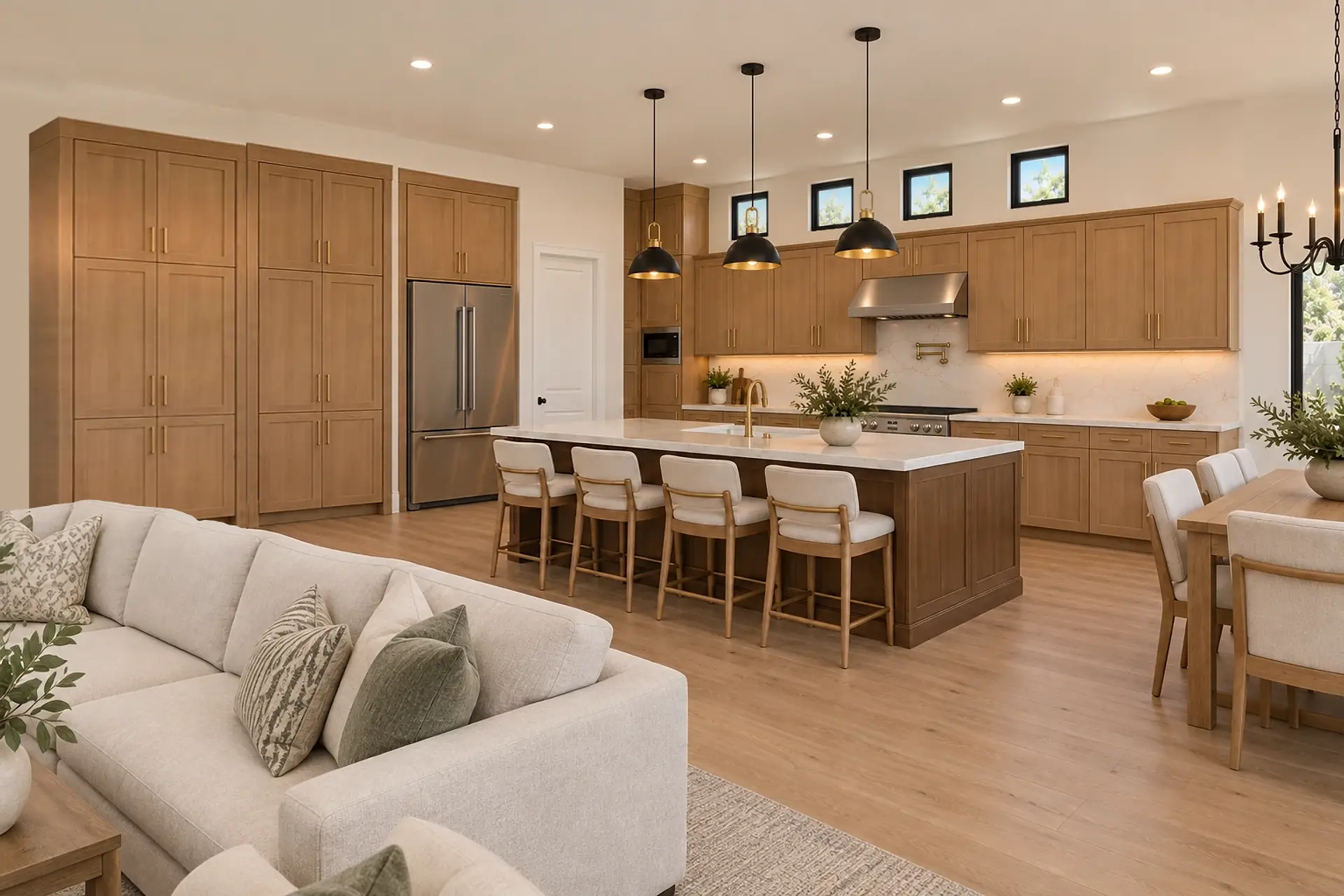
- Renderings from your plans: photoreal images of the exterior and the main rooms, made from your drawings. They show scale, light and finishes the way you'd see them standing there.
- A walkthrough video: a short film through the house, made from approved renderings. Good for sharing with family, or for a builder showing clients.
- A model home or a similar finished home: real, but it isn't your plan, your lot or your selections.
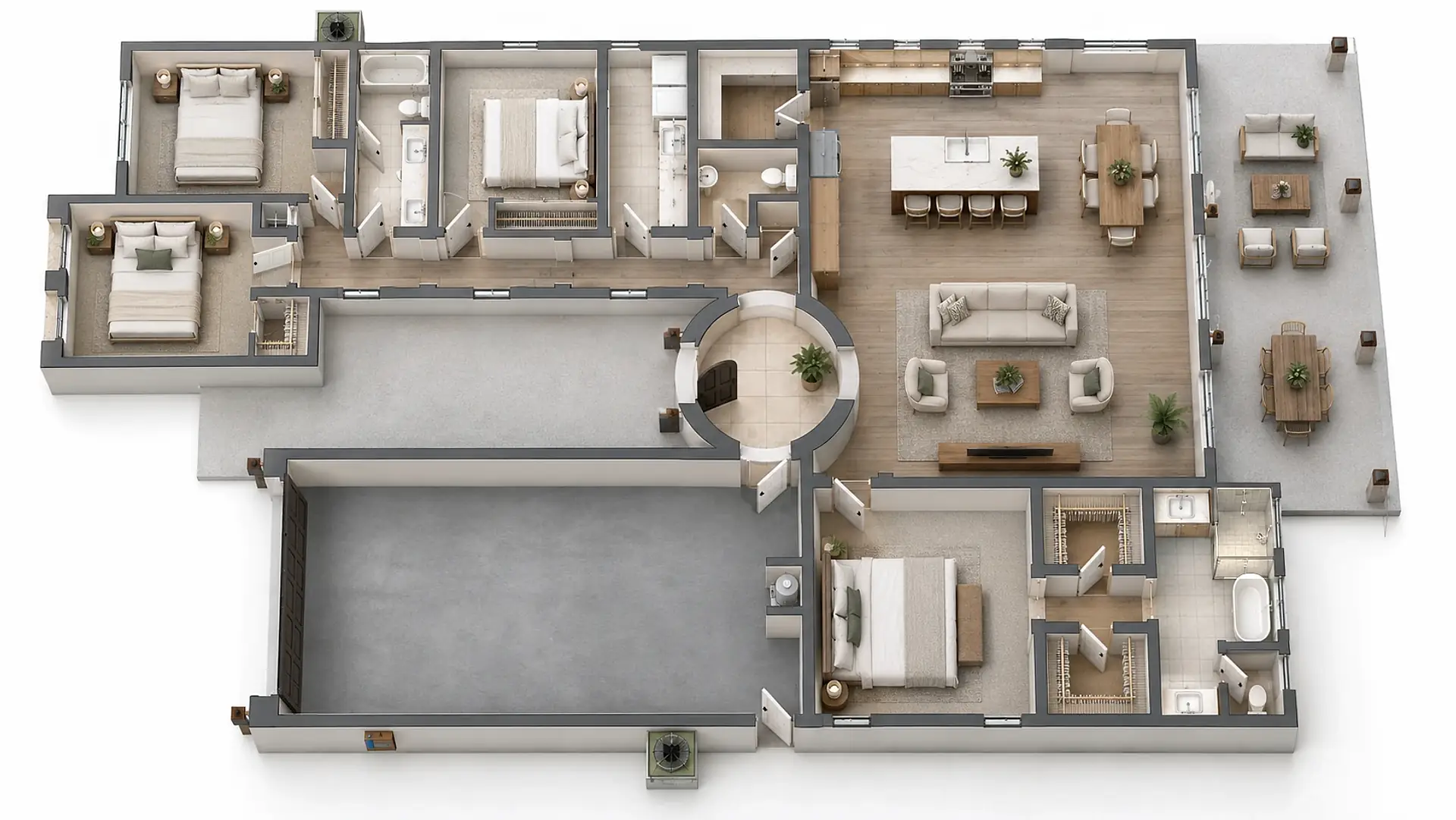
What to ask for
The views that decide most of the house: the front, the back yard, the kitchen and great room, and the primary suite. Ask for your actual selections in them, not generic finishes, and ask whether every view is checked against your plans. A render that moves a window or adds a door looks great and tells you nothing.
Ask what a revision includes, and who pays when an image doesn't match the drawings.
When to do it
Before selections are final and before framing. That's when seeing the house can still change it: a bigger window, a lower pendant, a different cabinet color. Later, renders are still useful for the people you're showing the house to, but they can't save you a change order.
What it costs
Here, one image of your own plan is $250. The front, the back yard and the kitchen together are $650. A full set with a walkthrough is $1,900 up to 2,500 sq ft and $2,900 up to 4,000; larger homes are quoted from $3,900. At a typical US rendering studio, one image runs about $500–2,500.
Renders are a representation, not a measured drawing. Your plans and your selections are what get built.